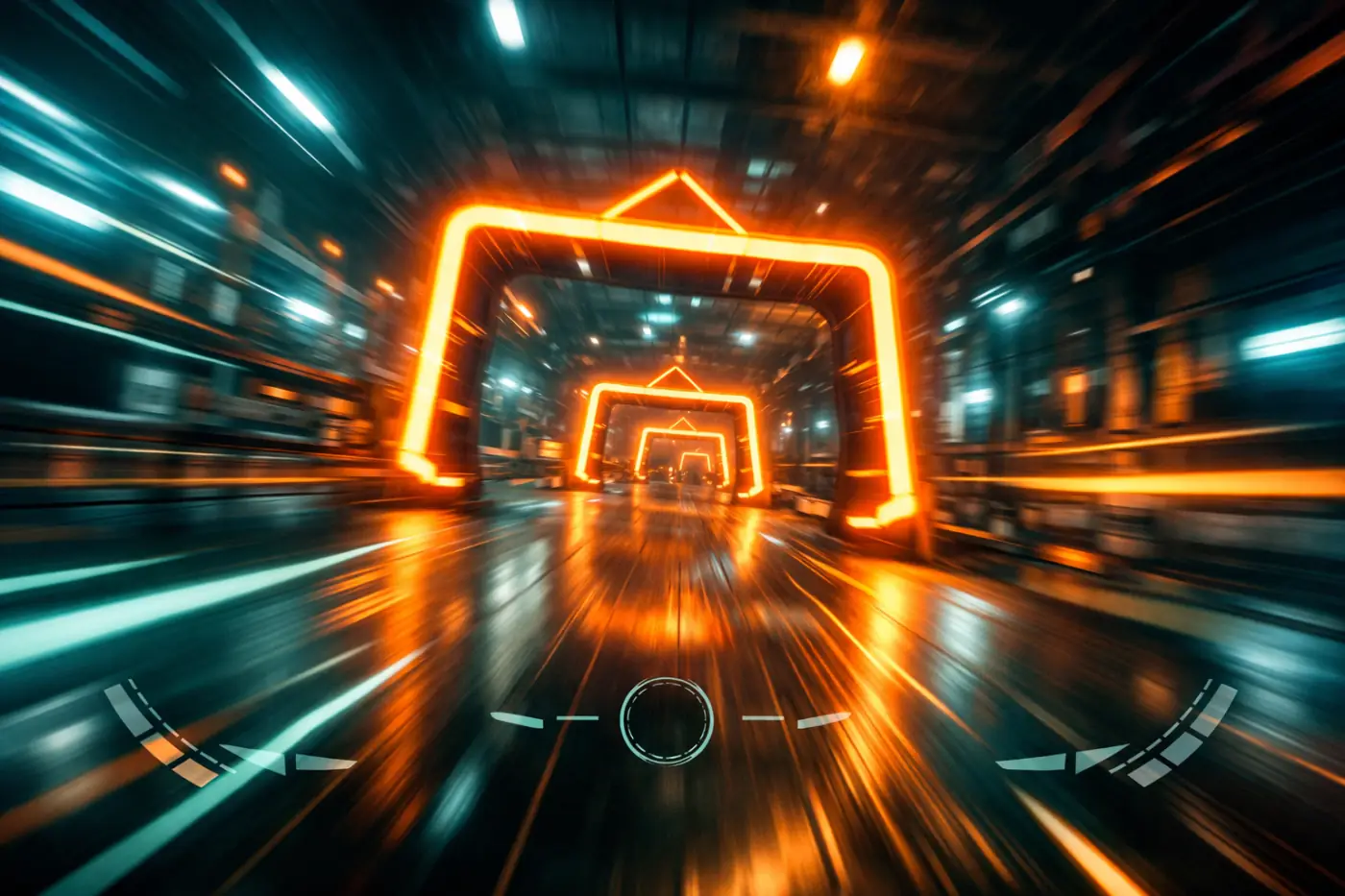
Racing drone flying through an illuminated gate

DRONE RACING, ENGINEERED

Real feel.
Virtual sky.

A drone racing simulator and a dedicated control console, built together to make every input, turn, and lap feel real.

Explore the prototypes

TWO ENTERTAINMENT PRODUCTS · PROTOTYPE STAGE

THE SYSTEM

One connected flight experience.

Virtual racing meets physical control. The Simulator models how a racing drone moves; the Console puts that experience in the pilot’s hands.

Virtual drone racing course with illuminated gates

01 / ONLINE GAME

Simulator

An online drone racing game where players fly virtual racing drones through demanding courses. A real-time flight model and configurable drone profiles shape the feel of every race.

↗Real-time multirotor physics

↗Rate and self-levelling modes

↗Drone classes and difficulty profiles
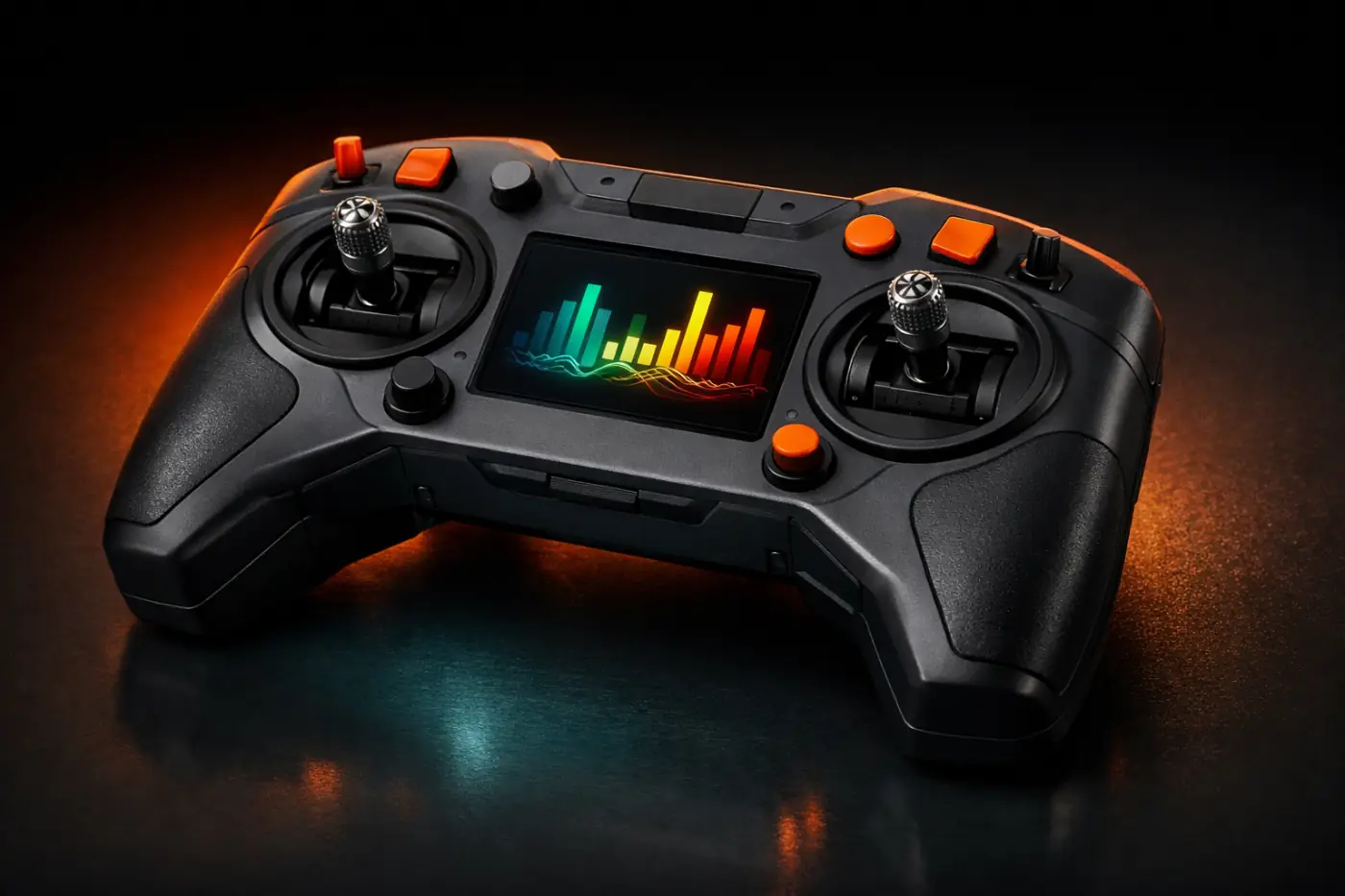
Concept image of a drone control console

02 / HARDWARE

Console

A dedicated control console for drone racing. As the pilot’s ground control station, it reads controls, handles calibration, connects to the Simulator, and displays flight information.

↗Standard game input device

↗Controls and calibration

↗Speed, lap time, and settings

FLIGHT MODES

Two ways to feel the flight.

The flight control module changes how it stabilises the drone for each mode. Adjustable profiles shape flight behaviour across drone classes and difficulty levels.

01 / RATER

Manual control

Rate mode stabilises rotational speed from the pilot’s commands while leaving control of the drone’s angle in the pilot’s hands.

02 / SELF-LEVELLINGS

Assisted levelling

In self-levelling mode, the module helps level the virtual drone when the pilot releases the controls, offering a different level of assistance.

FLIGHT CONTROL SOFTWARE

Built to respond. Built to repeat.

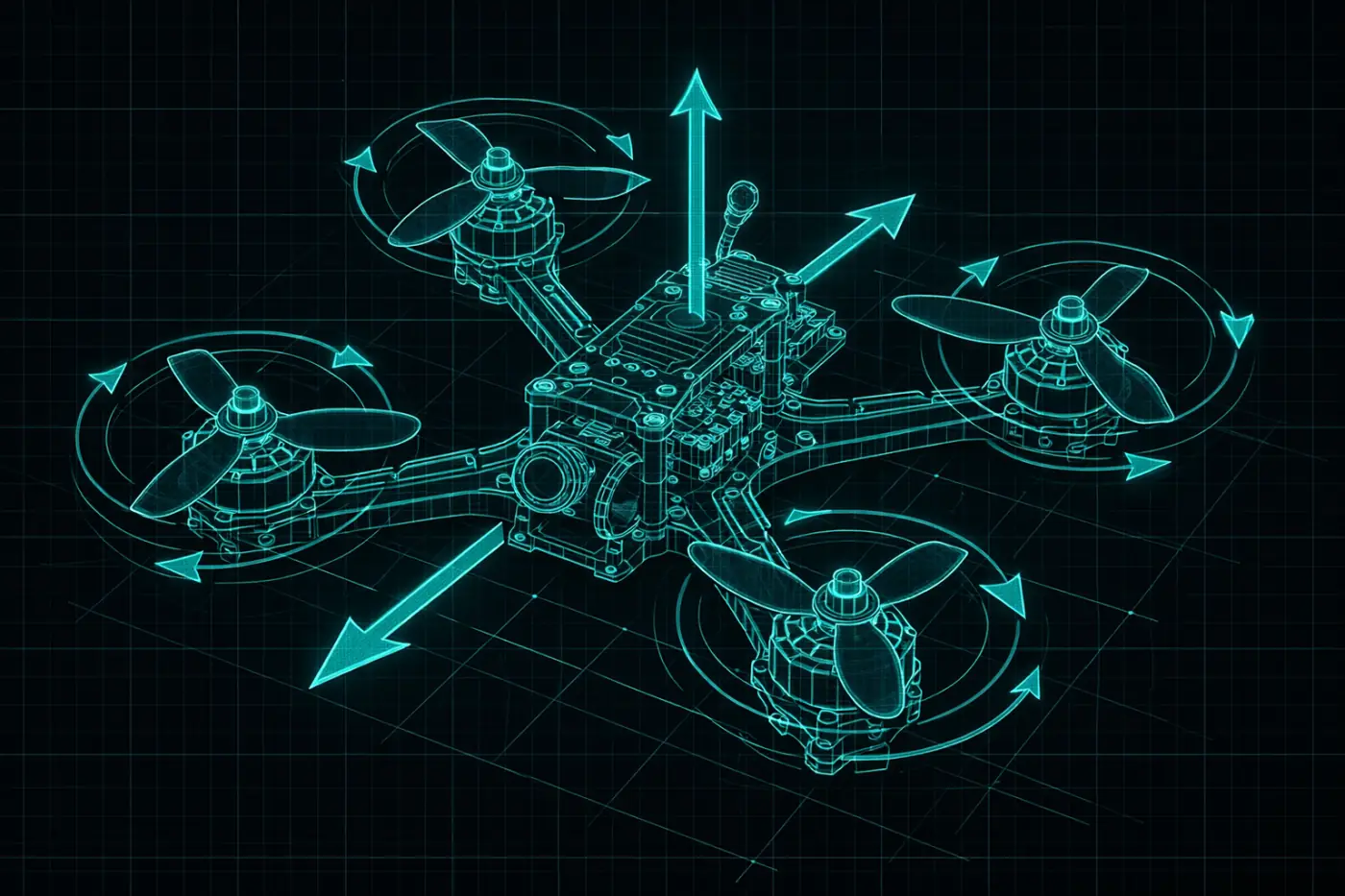
The flight control module turns pilot input into virtual drone motion. It handles stabilisation, mixes outputs to motors, and works with a physical model of racing-class multirotor flight.

Deterministic by design

The same inputs produce the same result, supporting fair online racing and reliable replays.

Documented interface

Set control inputs, advance the simulation, read drone state, and load a drone profile through a defined API.

Technical illustration of a racing drone flight model

CONSOLE / GCS ARCHITECTURE

From your hands to the track.

The Console software connects the pilot and the game: reading control signals, calibrating input, passing commands to the Simulator, and showing flight data. The prototype includes core modules and a specified interface between Console and Simulator.

01 READ & CALIBRATE
02 CONNECT & CONTROL
03 DISPLAY FLIGHT DATA

SIGNAL TO MOTION

Every input has a flight path.

01 / GCS

Console

Reads and calibrates the pilot’s controls.

02 / API

Interface

Connects the Console and Simulator.

03 / CONTROL

Flight control

Stabilises and mixes outputs to motors.

04 / PHYSICS

Flight model

Advances the virtual drone’s motion.

AUTOMATED VERIFICATION

Confidence on every run.

Repeatable API and UI tests cover the flight control module, the Console–Simulator interface, and key player flows including race starts, control calibration, and settings changes. Runs execute without manual steps and produce a report.

01

API TESTS

02

UI SCENARIOS

03

REPEATABLE RUNS

TECHNICAL REQUIREMENTS

The rules behind every race.

The system is specified for real-time operation, repeatable behaviour, and clear integration. These requirements guide the prototype.

01 / REAL TIME

Real-time response

The physical model and control module run at game speed.

02 / REPLAY

Same input, same result

Deterministic logic supports fair races and replay.

03 / INPUT

Standard input

The Console connects as a standard game input device.

04 / TESTS

Automated report

Tests run without manual steps and produce a report.

PROTOTYPE DELIVERABLES

A playable foundation.

The work is focused on a playable Simulator prototype and a working Console software prototype, supported by the documentation and tests needed to keep development moving.

01Flight control module source code and technical note

02GCS architecture document and interface specification

03Console software prototype

04Automated test suite source code and test report